

This guide was recovered from the Wayback Machine snapshot of “Install CDK for Terraform and run a quick start demo”.
Prerequisites
- Terraform CLI 1.2+ (or OpenTofu)
- Node.js 16+ and npm 16+
- Docker Desktop or another Docker runtime
- Your preferred CDKTN language toolchain (TypeScript v4.4 + Node.js 16.13, Python 3.10 + Pipenv, Go 1.20+, .NET 6+, or Java 17 with Maven)
Install CDKTN
You can install thecdktn CLI globally with npm on any platform or with Homebrew on macOS. Pick the option that matches how you manage global tools.
- npm (stable)
- npm (development)
- Homebrew (macOS)
Shell
Verify the installation
Confirm that the CLI is on yourPATH and review the available subcommands.
Shell
cdktn init --help whenever you need more detail on initialization flags.
Shell
Quick start tutorial
The following steps install dependencies, generate the sample application, edit the stack, and deploy the Docker container. The commands are identical across languages unless otherwise noted.Create and initialize the project
Create a workspace for the tutorial and move into it.Shell
--local flag keeps Terraform state in the project directory, which is convenient for the quick start.
Edit the code
Replace the generated stack with the following Docker example. Each snippet defines a Docker provider, builds the latestnginx image, and provisions a container that exposes port 8000 on your workstation.
Deploy the container
From the project root, runcdktn deploy (Terraform or OpenTofu will prompt you to approve the plan). This command synthesizes the application, runs terraform plan, and provisions the Docker resources once you enter approve.
Shell
Shell
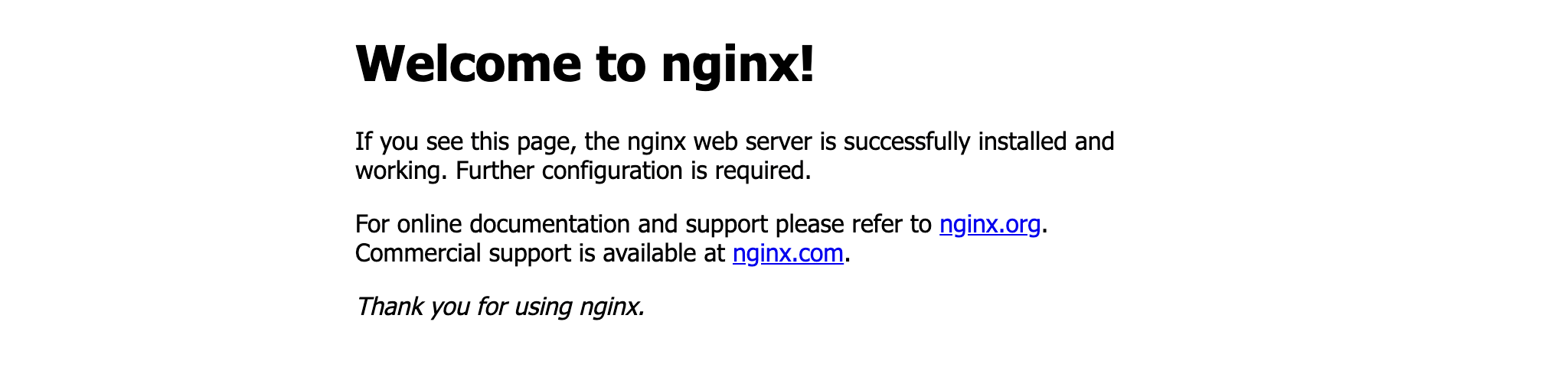
Destroy the container
When you finish testing, destroy the stack to remove the Docker container and image.Shell
Next steps
- Continue with the Build AWS infrastructure tutorial to create multi-service stacks.
- Learn how to manage Lambda functions with assets and stacks.
- Follow the end-to-end Deploy applications walkthrough to manage multi-stack Kubernetes workloads.